3D Crystal Guides
See Your Photo in 3D Before We Engrave It
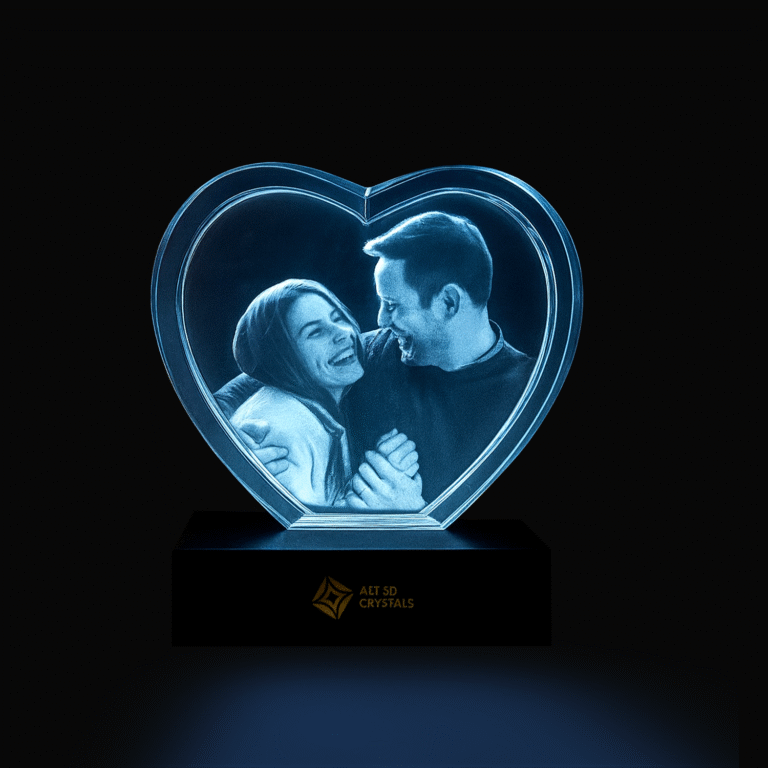
Our new free 3D preview shows your photo laser-engraved inside your crystal in seconds. Spin it, zoom in and see it from every angle before you order.
Slide to see a photo become a crystal.
Drag the slider
Ordering a personalized crystal used to take a little faith. You chose a photo, picked a shape and waited to see how it would look inside the glass. Now you can see it first.
Every crystal on our site now comes with a free live 3D preview. Upload your photo and, in a few seconds, you see it laser-engraved inside your crystal. You can spin it, tilt it and zoom in from every angle, before you pay anything.
What the 3D preview shows you
The preview walks through the same steps our studio follows, so you can watch your photo turn into a crystal:
- 2D Photo: the picture you uploaded, with the background removed.
- Enhanced HD: the photo sharpened and balanced for engraving.
- Retouching: converted to the black-and-white tones a laser engraves.
- 3D Modeling: a depth model of the faces and shapes in your photo.
- 3D Preview: the finished look, engraved inside your crystal, that you can turn in any direction.
Why see it in 3D?
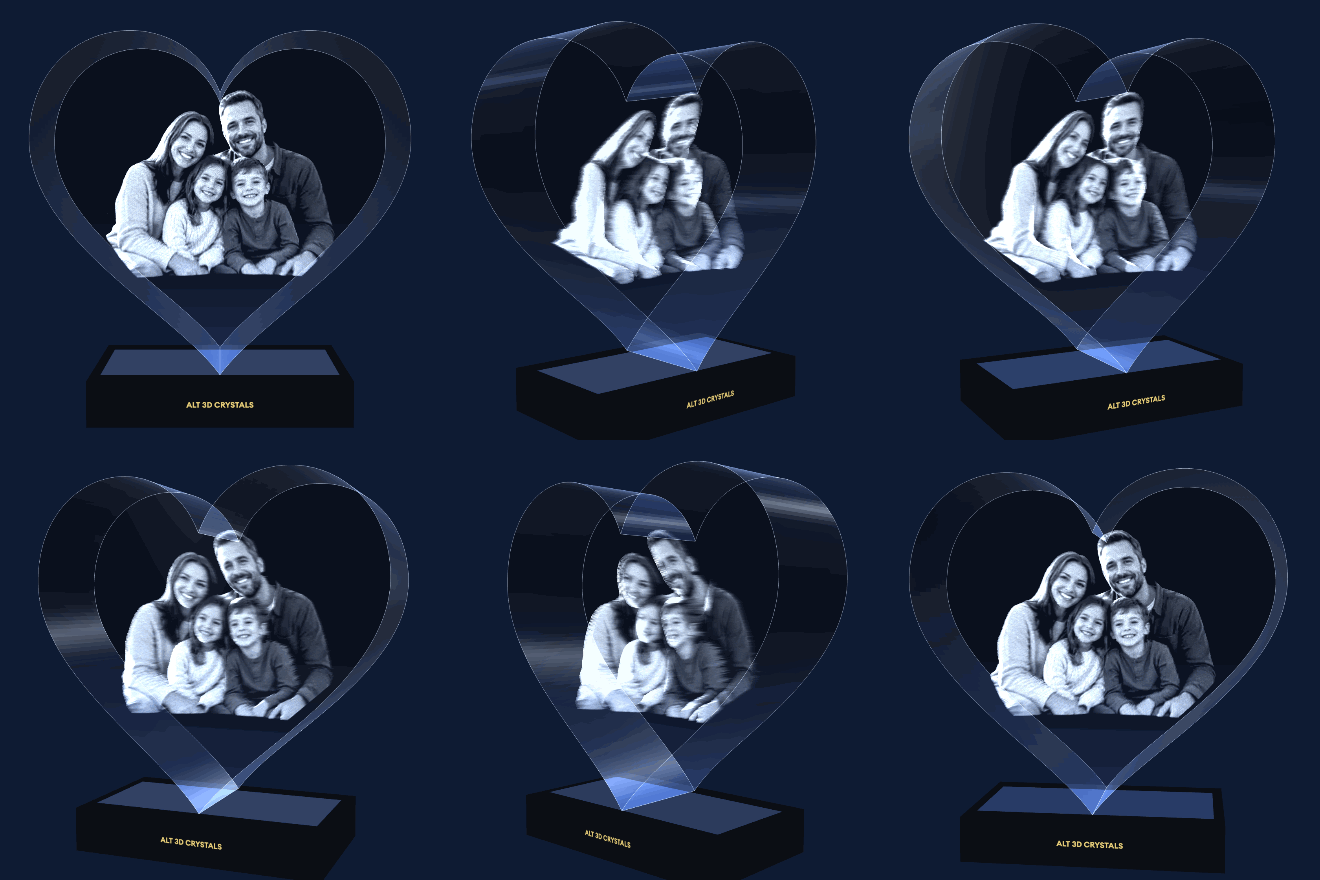
A 3D crystal is not a flat print. The image is engraved inside the glass as thousands of tiny points at different depths, so it changes as you move around it. A flat picture on a screen can’t show that, but a 3D preview can.
- Check your photo works. See how faces, hair and details come through before you commit.
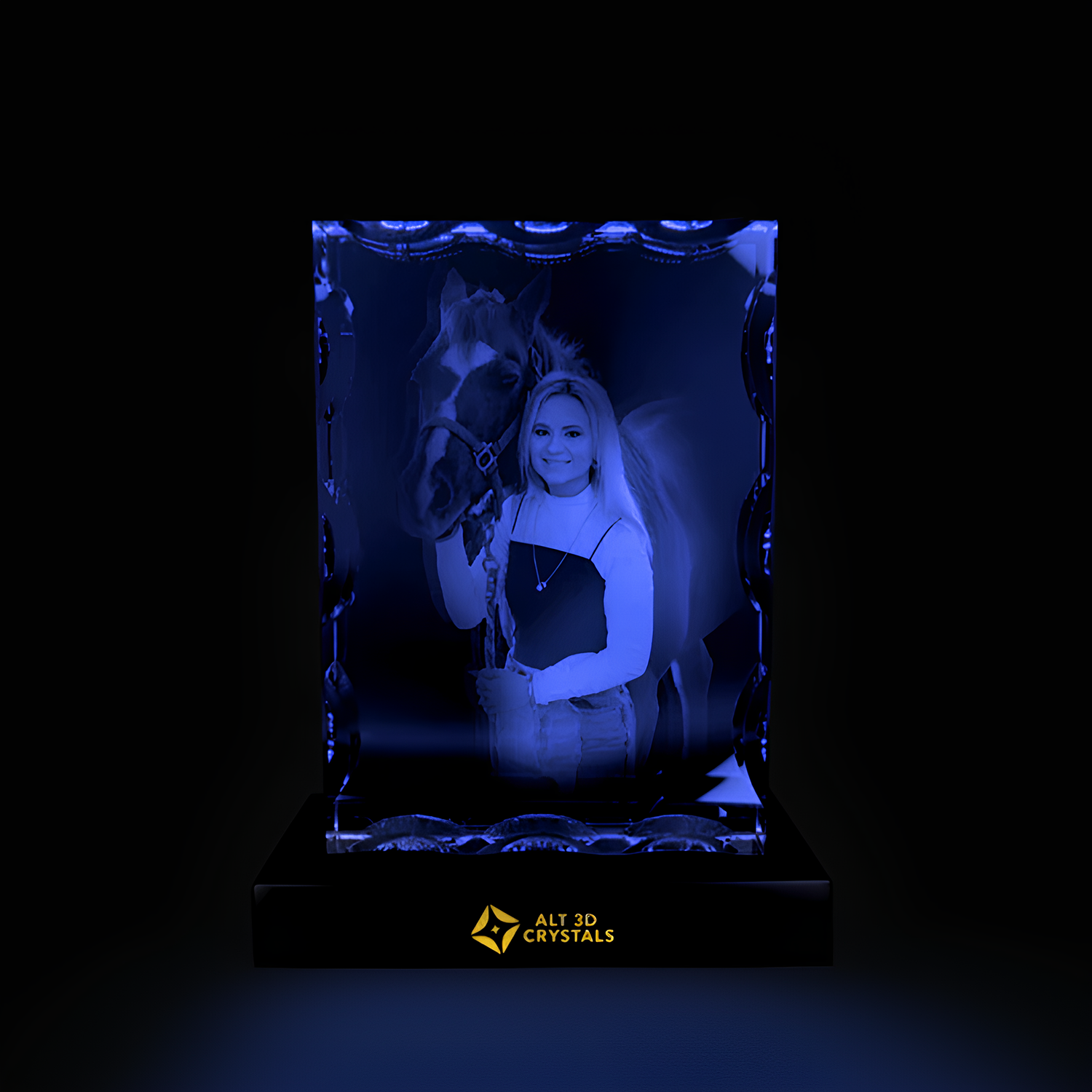
- Compare shapes. Try the same photo in a heart, a rectangle or a notched crystal and choose the one that fits best.
- See the depth. Turn the crystal to the side and watch the people stand out from the background, the way they will in real life.
- Order with confidence. You know what you’re getting, and it’s free with no payment needed to preview.
How to use the 3D preview
- Open any crystal, such as the Heart Crystal, Rectangle Crystal or Notched Crystal.
- Choose your size and tap Upload your photo.
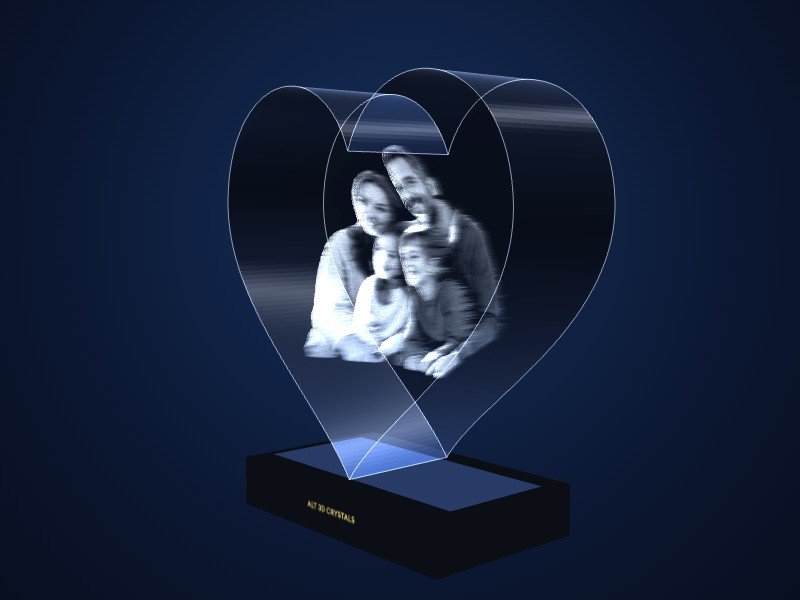
- Your crystal appears in 3D under Your crystal in 3D. Tap Full screen for a bigger view.
- Drag to rotate, pinch or scroll to zoom, and tap the steps at the top to see each stage.
- Happy with it? Add your message and extras, then check out.
You can also tap View in 3D on the product photo at any time after you upload.
Studio tip
The clearer the photo, the more lifelike the 3D preview and the finished crystal. Use the original file from your phone, with faces in focus and soft, even light. Read our guide on how to choose the perfect photo.
From preview to the real crystal
The 3D preview is an AI simulation that shows how your photo will look inside the glass. Once you order, our 3D artists prepare your file by hand and check every detail before the laser engraves it. The finished crystal is made for you, and we still send a free preview of the final design before engraving. Curious about what happens next? Read how 3D crystal engraving works.
Frequently asked questions
Is the 3D preview free?
Yes. It’s free on every crystal, and you don’t need to pay or create an account to see it.
Does it work on my phone?
Yes. It works on phones, tablets and computers in any modern browser. The first preview can take a few seconds while it loads.
Will my crystal look exactly like the preview?
It’s a close guide to how your photo will look inside the glass. Your final crystal is prepared by our artists, who fine-tune the details for the best engraving, so small differences are normal.
Can I try different photos?
Of course. Upload a different photo and the 3D preview updates, so you can compare and choose your favorite.
Ready to see yours?
Pick a crystal, upload a photo and watch it come to life in 3D. Browse all crystals.