3D Crystal Guides
How to Choose the Perfect Photo for Your 3D Crystal
Learn how to choose a clear, well-lit photo for your personalized 3D crystal, with practical tips for people, pets, couples, groups, backgrounds, and image quality.
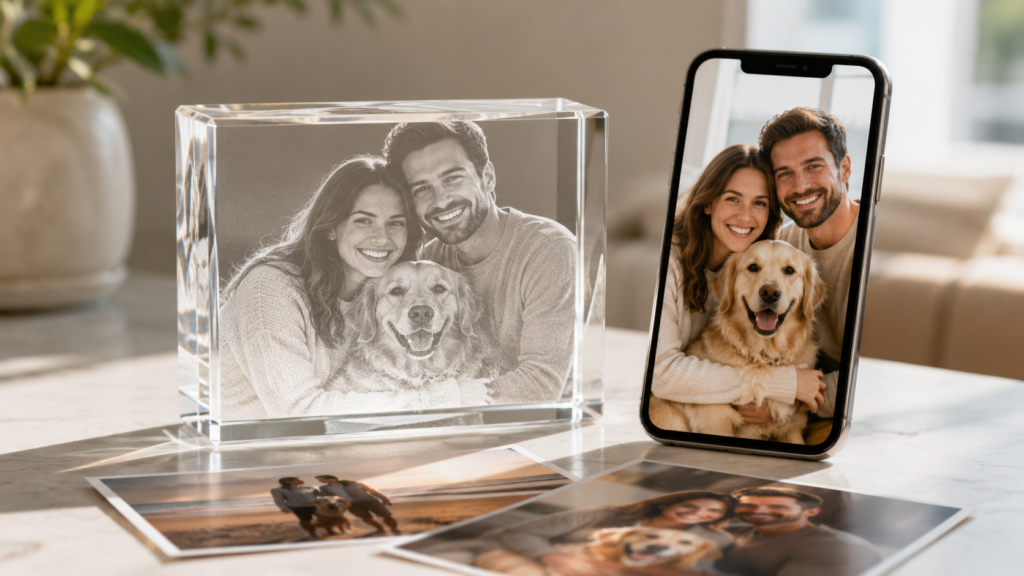
Choosing the right photo is one of the most important steps when creating a personalized 3D crystal. A strong image helps preserve facial expressions, meaningful details, and the emotion behind the moment.
Whether your photo features one person, a couple, an entire family, or a beloved pet, these practical tips will help you choose an image that works beautifully inside your crystal.
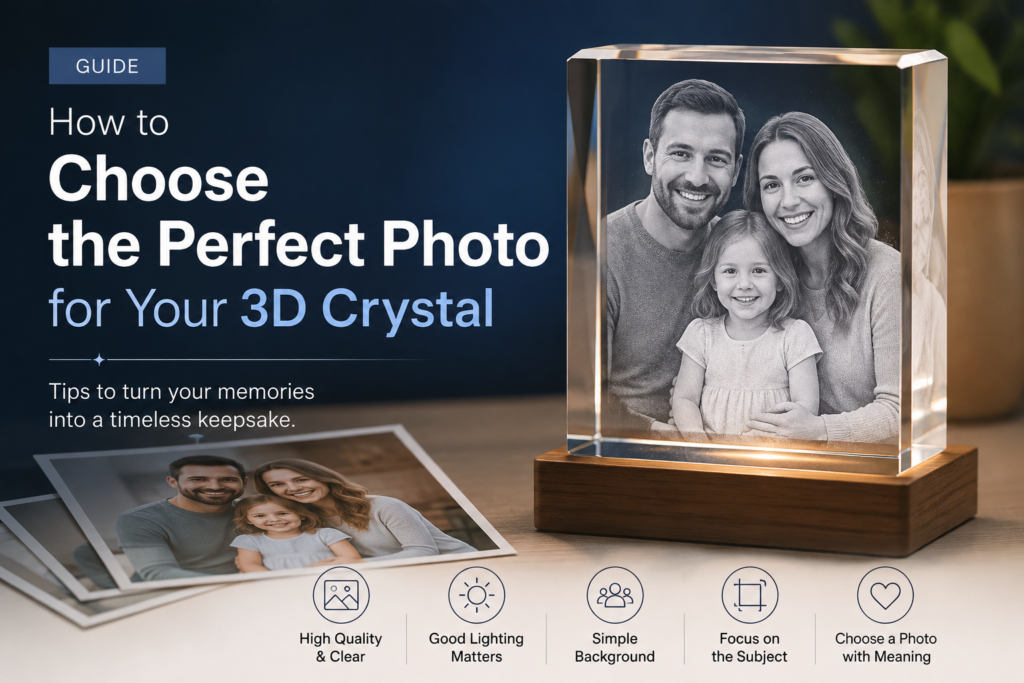
Start With the Original Photo
Whenever possible, use the original photo taken by the camera or phone.
Images saved from social media, messaging applications, screenshots, and repeatedly forwarded photos may lose detail because they have been compressed. The image might still look acceptable on a small phone screen but appear blurry when enlarged.
Before uploading, check whether you have the original version saved in your gallery, cloud storage, email, or camera folder.
ALT 3D Crystals currently accepts JPEG and PNG images up to 12 MB.
Choose a Clear, High-Resolution Image
The best photo for a 3D crystal is sharp, well-focused, and large enough to preserve important details.
Zoom into the image and check:
- Are the faces clear?
- Can you see the eyes and facial expressions?
- Are important details blurry?
- Does the image look pixelated when enlarged?
A slightly imperfect photo may still work, but the clearer the original image is, the more detail can be preserved in the finished design.
Make Sure Faces Are Visible
Photos usually work best when the main people or pets are facing the camera or shown at a clear angle.
Try to avoid images where:
- A face is covered by hair, glasses glare, shadows, or another person.
- The subject is extremely small in the frame.
- Part of the face or head is cropped out.
- The subject is too far from the camera.
- Motion blur makes the features unclear.
Natural expressions often create the most meaningful result. The photo does not need to look like a formal studio portrait, but the main subject should be easy to recognize.
Use Good, Balanced Lighting
A well-lit photo helps preserve facial details, clothing, and other important features.
Soft daylight usually works very well. Strong backlighting can make the person appear dark, while direct flash may create harsh shadows or glare.
Before choosing your image, check that:
- The face is not hidden in darkness.
- Bright sunlight has not removed important details.
- The image is not heavily overexposed.
- The lighting looks reasonably even across the subject.
Basic brightness adjustments may help, but avoid over-editing the image.
Avoid Heavy Filters and Excessive Editing
Strong beauty filters, artificial blur, color effects, stickers, and social-media overlays can hide the original details needed for a clear engraving.
A lightly edited image is usually fine, but the photograph should still look natural.
Whenever possible, upload the cleanest version without:
- Text placed over the face.
- Decorative stickers.
- Artificial sparkles.
- Strong color filters.
- Excessive skin smoothing.
- Blurred background effects that overlap the subject.
You can add a personal message through the crystal customization options instead of permanently placing text over the photograph.
Leave Enough Space Around the Main Subject
An extremely tight crop can make positioning the image inside the crystal more difficult.
Choose a photo that leaves some space around the head, shoulders, body, or pet. This gives the design more flexibility when the image is cropped and positioned.
Do not worry if the original photo contains extra space. The customization tool allows you to crop, zoom, rotate, and position your image before completing the order.
Choosing a Photo With More Than One Person or Pet
You can use photos featuring couples, families, groups, children, or multiple pets.
For group photographs:
- Make sure everyone is clearly visible.
- Choose an image where the subjects are reasonably close together.
- Avoid placing important people at the extreme edges.
- Check that no face is hidden behind another person.
- Consider a larger crystal when the photo contains more subjects.
ALT 3D Crystals advises customers to choose the crystal size according to the number of people in the photograph. When the subject count exceeds the recommended capacity for a clear 3D result, the design may be produced in 2D for better clarity.
Match the Photo Orientation to the Crystal
Consider whether your image is portrait, landscape, or approximately square.
A portrait photo is generally better suited to a vertical crystal, especially for full-body photographs or one person standing.
A landscape photo may work better for couples, families, group photographs, pets lying down, or scenes where the surrounding location is important.
Some crystal shapes offer both portrait and landscape orientations, while shapes such as the Heart Crystal or Diamond Crystal provide a more distinctive composition. Review the available sizes and orientations before finalizing your choice.
Decide Whether to Remove or Keep the Background
Removing the background focuses attention on the people, pets, or main object. This often creates a clean, simple result where the subject becomes the center of the design.
Keeping the background preserves the complete scene. This may be a better option when the location is part of the memory, such as:
- A wedding venue.
- A favorite vacation destination.
- A family home.
- A graduation stage.
- A meaningful outdoor location.
- A photograph with important scenery or decorations.
The current Keep Background option is listed as an additional $50 customization on ALT 3D Crystals product pages.
What if My Photo Is Low Resolution?
Do not immediately reject an important photograph just because it is old or slightly low in quality.
First, search for the highest-quality version available. Ask family members whether they have the original file, check old emails, or rescan a printed photograph at a higher resolution.
Avoid enlarging a small image repeatedly because this does not restore missing detail. It usually makes the image appear softer or more pixelated.
When the photograph is especially meaningful, contact ALT 3D Crystals before ordering so the team can advise whether it is suitable.
Preview the Photo Before Completing Your Order
Before placing the order, use the Try Now personalization tool on the product page.
The tool allows you to upload and preview the image inside your selected crystal. Check the crop, positioning, subject visibility, and overall composition before continuing.
Take a final moment to confirm:
- The correct image was uploaded.
- Everyone you want included is visible.
- The selected orientation matches the photo.
- The background option is correct.
- Any custom wording is spelled correctly.
- The crystal size is suitable for the number of subjects.
Turn a Favorite Photo Into a Lasting Memory
The perfect photo does not need to be professionally photographed. It simply needs to be clear, meaningful, and connected to a memory worth preserving.
Choose the best-quality version available, make sure the main subjects are visible, select a suitable crystal shape and size, and preview the design before completing your order.
A thoughtful photograph can become more than an image—it can become a personalized keepsake that brings a meaningful moment back to life.